
No email · No card · Text or photo · Sound in the file
Free AI Video Generator No Sign Up: Make a Video From Words or a Photo
Free AI video generator with nothing to fill in first: type what should happen or drop in a photo, press the button, and download the AI video with its sound.
AI Video Examples Made From One Prompt Each
Each of these started as words and nothing else. Type a scene like one of them in the generator above and it runs as a free AI video.
A raccoon bursts the chip bag
Typed into the box
5
Free AI Video Generator No Sign Up for Your Own Photos
Switch the box to a photo and the picture becomes the first frame, so the face, the pet or the product stays yours. It is the same free AI video, and it still needs no account.

One coffee bean swirls into a full cup
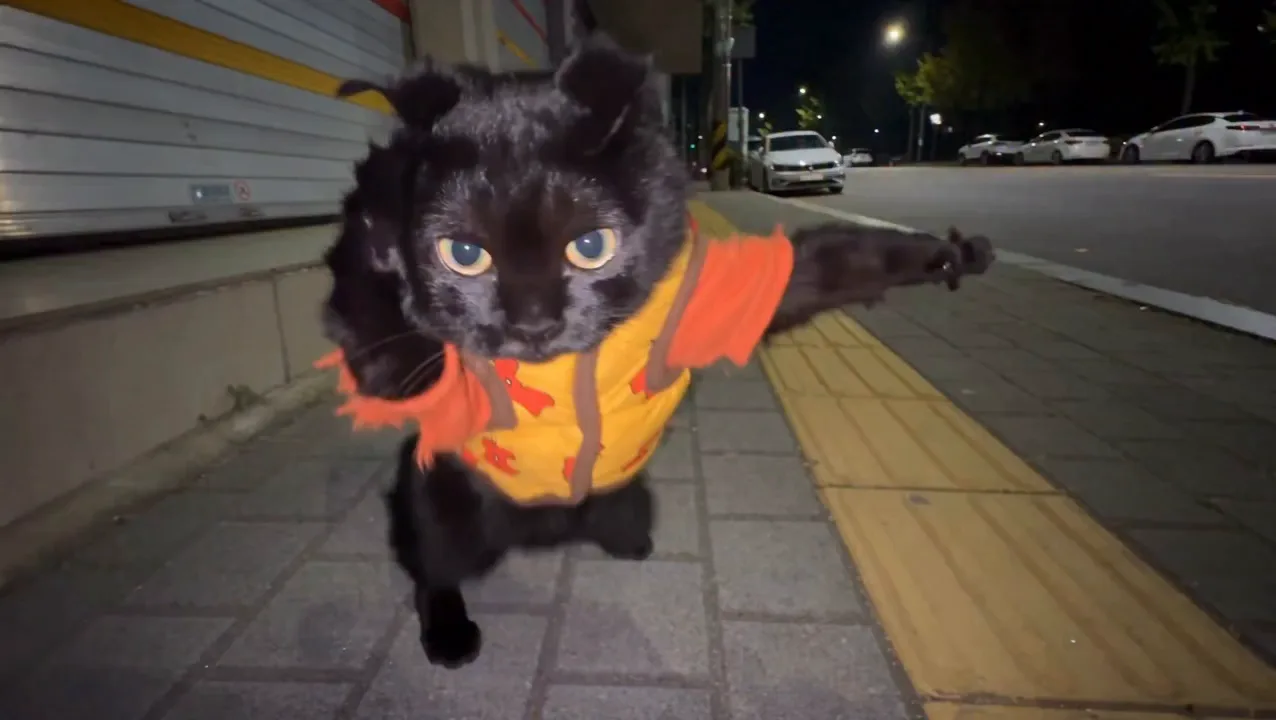
A cat in a safety vest throws punches
Text or Photo: Two Ways Into One AI Video Generator
Both make the same free AI video: 4 seconds, with sound and no watermark. What changes is what you hand over and what stays the way you gave it. If you came with a photo, the free image to video AI page walks through that way in on its own.
Not sure which? Start with words. If the face or the product has to be exactly yours, switch the box to a photo.
Free AI Video Generator No Sign Up, Step by Step
Here is your AI video from the moment you press the button to the file on your phone, with no account anywhere in it.
- 01
Type a scene or drop in a photo
Or leave the scene that is already in the box as it is; it is ready to run.
- 02
Press the button, skip the form
No email, no password and no card come up before your AI video. A countdown in the generator shows when it starts.
- 03
Keep this tab open
The free video goes in when the countdown ends with this page still open. Close the tab before then and it does not start.
- 04
Watch it, then download it
It plays right here with its sound and no watermark, ready to save to your phone or laptop and send.
Keep Going Free: An Account With No Daily Cap
This page gives one AI video with no account. For the next one you sign in, and that costs nothing either. What changes, and what does not:
- 01
No card at sign-in
A free account asks for no payment details, and every free video it makes stays free.
- 02
No daily cap on a free account
Sign in free and keep making AI videos from text or photos, each one saved to your history.
- 03
The same video, signed in or not
The same 4-second MiniMax H3 video with sound and no watermark, for your own posts and messages.
- 04
A plan when the video is for work
Sharper H3 videos up to 15 seconds, Grok Imagine Video 1.5 and Veo 3.1 Fast, commercial use, and videos that start ahead of the free ones. Every plan and its price is on the pricing page.
Free AI Video Generator No Sign Up FAQ
The questions people ask after the last three free sites asked for a card.
Yes, this one. The AI video renders with no account, no email and no card, from a line of text or a photo. It is a 4-second MiniMax H3 video at 480p with its own sound and no watermark.
Video costs a lot to render, so most sites stop at the first one and ask for money. Here the second one asks only for a free account, with no card, and a free account has no daily cap; what moves is the start time of each next video that day.
Yes. The same box takes either one: type a scene, or upload a photo and say what moves. Both make the same free video with sound, and both work with no account for the first one.
No. The AI video renders on our side and plays in your browser, so a laptop or a phone is enough and there is nothing to install or download first.
Yes, in the phone's browser. Open this page, type or pick a photo from your gallery, keep the tab open until the countdown ends, and save the video when it plays.
4 seconds. For a longer piece, make a few and join them in any video editor. Plans make H3 videos up to 15 seconds at 768p, Grok Imagine Video 1.5 at 15 seconds and Veo 3.1 Fast at 8 seconds.
No. There is no corner logo and no end card on a free video, with or without an account, so what you download is only your video.
Free videos are for personal use: your own posts and messages. Monetized channels, ads and client work need a paid plan, from $14.90 a month, which includes commercial use.
Yes, a short one, and the generator shows it as a countdown the moment you press the button. Keep the tab open until it ends; on a free account the first video of each day starts right away.
Start the Free AI Video Generator No Sign Up With Your Idea
Type the scene you keep picturing, or pick the photo you want to see move. The AI video comes back with its sound before you make an account.