
No account
Start with no sign-up
Upload a photo, pick a look and get a 4-second AI Christmas clip with its music and no watermark, before you make an account.
Your photo, your faces · 4 s with Christmas music · No sign-up, no watermark
Free AI Christmas video maker in your browser: the photo already on your phone, the kids, your partner or the cat, wakes up in Santa hats and falling snow with a Christmas tune, ready to surprise the family chat on Christmas morning.
Three AI Christmas video looks going round TikTok and Instagram this month, posted by the people who made them. Each one is a template in the box above: tap it and add your photo.
Three Christmas looks
3
An AI Christmas video here turns one still photo into a short Christmas clip of the people or pets in it, with music. Upload a JPG or PNG and pick a look: a free run gives you 4 seconds with sound and no watermark, no account to start. Santa saying your child's name has its own page, the personalized Santa video; a gentler move lives on animate photo AI.
Every AI Christmas video comes out 9:16 with its sound track, the shape Instagram Reels, TikTok and WhatsApp play full screen.
Creative engine
The free run is MiniMax H3. It keeps the faces from your photo, adds the snow, the hats and the lights, and writes the music in the same pass, which makes this the best free AI Christmas video maker for a photo with sound.
Your photo is the first frame, so the faces in the snow are yours. No one else's video goes in, and no face is pasted onto a stock dancer.
Sign in free and keep making them, with no daily cap: the grandparents, the cousins, the dog. Each video waits in your history, ready to download again.
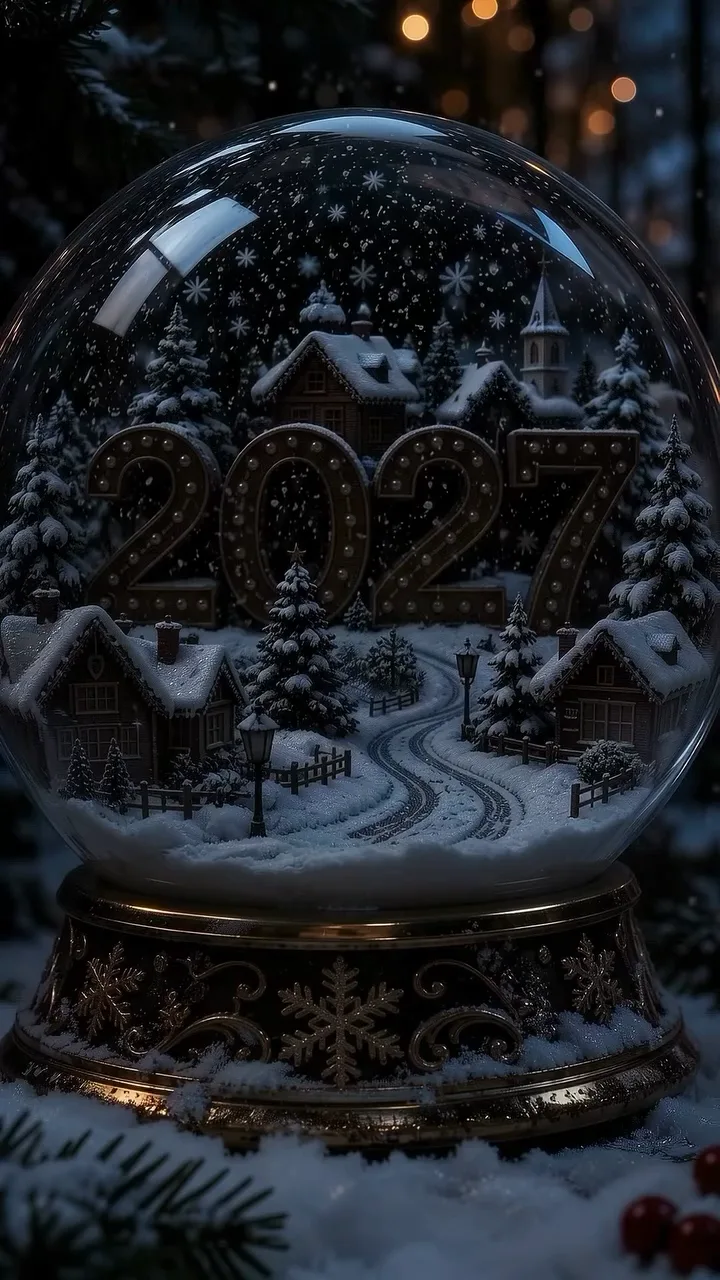
Left is the very first frame of the snow-globe AI Christmas clip, still and unlit. Right is what it turns into a few seconds later. With your photo, the left side is simply your picture as it went in.
The photos that get the most replies in December are rarely selfies. Three AI Christmas video looks their makers posted on Instagram, each a template above.
A brown cat in a Santa hat stands up by the tree and sings along. Pick this template, add your cat's photo, and it is your cat in the hat.
Six more looks people are asking for this December. Copy a line into the box, keep your photo, and press the button. Each fits a free 4-second AI Christmas video.
"Keep the person in the photo exactly as they are. A full white beard grows in, a red Santa suit and hat appear, and they give a big 'Ho ho ho' to the camera. Sleigh bells."
"Keep everyone in the photo as they are. Matching red Christmas pyjamas appear on all of them in front of a lit tree, they squeeze together and wave. A cosy carol." Use one photo with the whole family in it.
"A huge wrapped present sits in a snowy garden; the lid pops off and the person from the photo jumps out laughing, arms up, confetti flying. A pop and a cheer."
"Keep the child in the photo as they are, in a winter coat. They pat the head onto a snowman and wrap their own scarf round it, then grin at the camera. Crunching snow, a giggle."
"Turn the person in the photo into a cute chibi figure in a Santa hat with the same face. It makes a heart with both hands and winks, snow falling. A twinkly chime."
"The person in the photo, in a green elf outfit and pointy hat, does a bouncy elf dance by the tree. Jingle-bell beat." For a full routine, photo dance AI is built for the moves.
From the photo on your phone to an AI Christmas clip you can send, in three steps, with no app to install.
A JPG or PNG of a person, a family, a pet or the house. Faces turned toward the camera keep best.
Tap a template, keep the preset snow-and-Santa-hat line, or paste an idea from this page. Say the music you want too.
Press the button and keep the tab open. Your AI Christmas video plays right on the page with its music, ready to save as an MP4 and send.
The snow, the music and the download are free here, with no watermark on any AI Christmas video. A plan adds length, sharpness and commercial use.
Upload a photo, pick a look and get a 4-second AI Christmas clip with its music and no watermark, before you make an account.
Sign in free and make one for each of them, with no daily cap. Each comes with its music, saved to your history, for personal use.
A plan makes sharper Christmas videos up to 15 seconds, starts each one at full speed, covers commercial use for a holiday post or ad, and adds Grok Imagine and Veo.
Yes. Upload a photo and press the button with no account and no card. A free account keeps going with no daily cap: each AI Christmas video is 4 seconds at 480p on MiniMax H3, with its music and no watermark, for personal use.
They start from one photo and an AI video model, then post the clip upright. Here that is one step: upload the photo, tap a look like the snow globe or the chibi keychain, and the video plays on the page with its music.
You do not need an app for this one. This AI Christmas video maker runs in the browser on a phone or a laptop, and the finished video downloads as an MP4 you can post to TikTok, Reels or WhatsApp.
Yes, that is how it works. Your photo is the first frame, so the face in the AI Christmas clip is yours from start to finish. A clear photo with the face toward the camera keeps it best.
For Santa saying your child's name, use the free personalized Santa video page, made for exactly that. To turn yourself into Santa, upload your photo here and copy the 'Turn yourself into Santa' line from the ideas above.
Yes. Pick the singing-cat or Santa's-cabin template and upload your pet's photo. The fur, the markings and the face stay as they are; the Santa hat, the snow and the music are new.
Yes. Use a photo of your child as the first frame and pick a look: the snowman, the sleigh ride or the chibi keychain. The video keeps your child's face, so it is them in the snow, not a cartoon stand-in.
Yes. Every video comes with its own sound, made for the scene: sleigh bells, a carol, a music-box tune. Name the music you want in the prompt; to use a particular song, add it in TikTok or CapCut when you post.
Yes, as an MP4 with its sound and no watermark, so you can send it in the family chat, post it or play it on the TV.
Yes, and the gentle looks work best for them: snow falling in the living room, the dog in a Santa hat, the house inside a snow globe. Keep it to one clear moment and it fits a free 4 seconds.
A free video is 4 seconds at 480p, one Christmas moment. A plan makes up to 15 seconds at 768p from the same photo; for a longer film, make several scenes and join them in any video editor.
Pick the photo the family will least expect to see in the snow, the grandparents, the baby, the cat, and send the AI Christmas clip before the presents are opened. No account needed to start, and a free account keeps them coming with no daily cap.
Free · 480p · with sound