
Marigold bridge
Walking home over a bridge of petals
A small dog steps onto a glowing bridge of orange marigold petals at night and trots toward the camera, tail going, while petals and fireflies drift past. This is the shot the trend is named for.
Your pet's photo is the first frame · Marigolds, candles and paper flags · Sound in every clip
Free Coco pet memorial video from the photo you keep of them: your dog or cat walks out of the marigold glow and candlelight toward you, and the clip comes back with its own sound.
Each clip below started as one photo of a pet and one line describing the Día de Muertos scene. Upload yours above and the preset prompt already describes the marigold path, so you can press the button as it is.
A small dog steps onto a glowing bridge of orange marigold petals at night and trots toward the camera, tail going, while petals and fireflies drift past. This is the shot the trend is named for.
A Coco pet memorial video is the TikTok trend that turns one photo of a pet who died into a short Día de Muertos scene: marigold petals, candlelight, paper flags and the pet walking back across the glow. Upload that photo here and a free run gives you a 4-second clip with sound. It runs on our free image to video AI: start free with no sign-up, and keep going free with an account, no daily cap.
You get your pet in the marigold light with gentle music and sound, not a scene or song from the movie. Add the track you want when you post it on TikTok.
Creative engine
Every run here is MiniMax H3, the same model behind every example on this page. No pet memorial video maker gets you from a phone photo to a moving, sounding Día de Muertos clip with less work.
The TikTok versions mostly come from template links that swap a pet into someone else's clip. This makes a new clip from your photo, in your browser, with no app to install and no template to find.
Dogs, cats, rabbits, birds: if their face is clear in the photo, they can be the one walking home through the petals.
Left is the pet photo exactly as it went in. Right is the memorial video made from it. The pet is the same one; only the light, the petals and the movement are new.
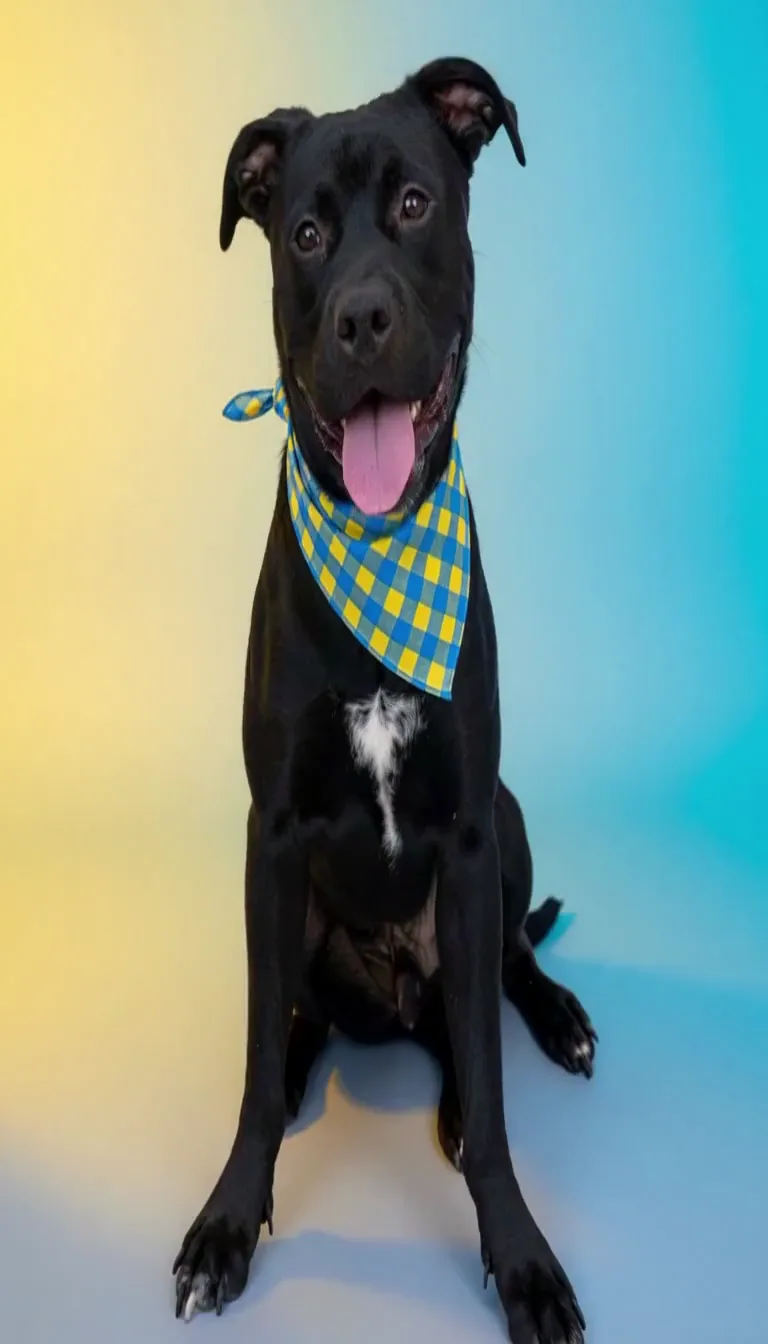
From the photo on your phone to a memorial video you can post or send to family, in three steps.
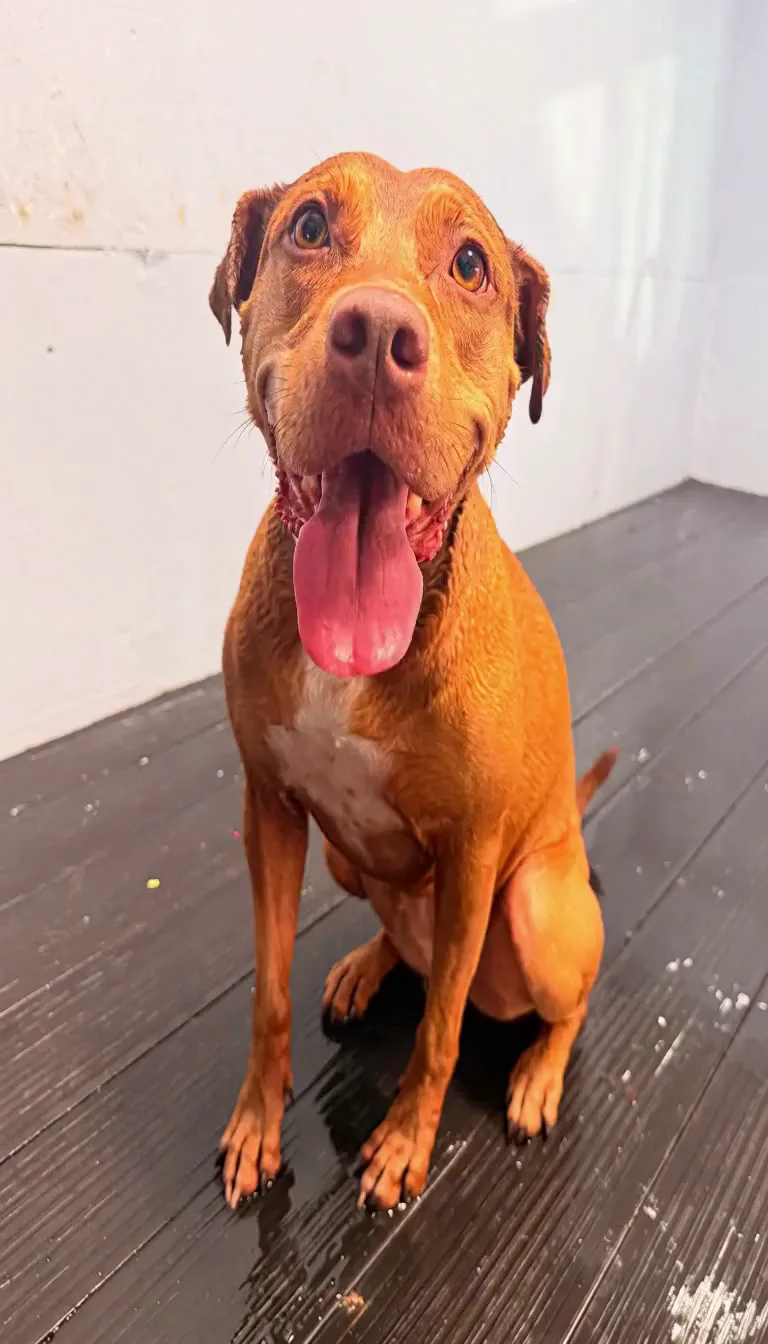
A JPG or PNG where their face is clear: lying on the couch, sitting in the yard, the one you look at most.
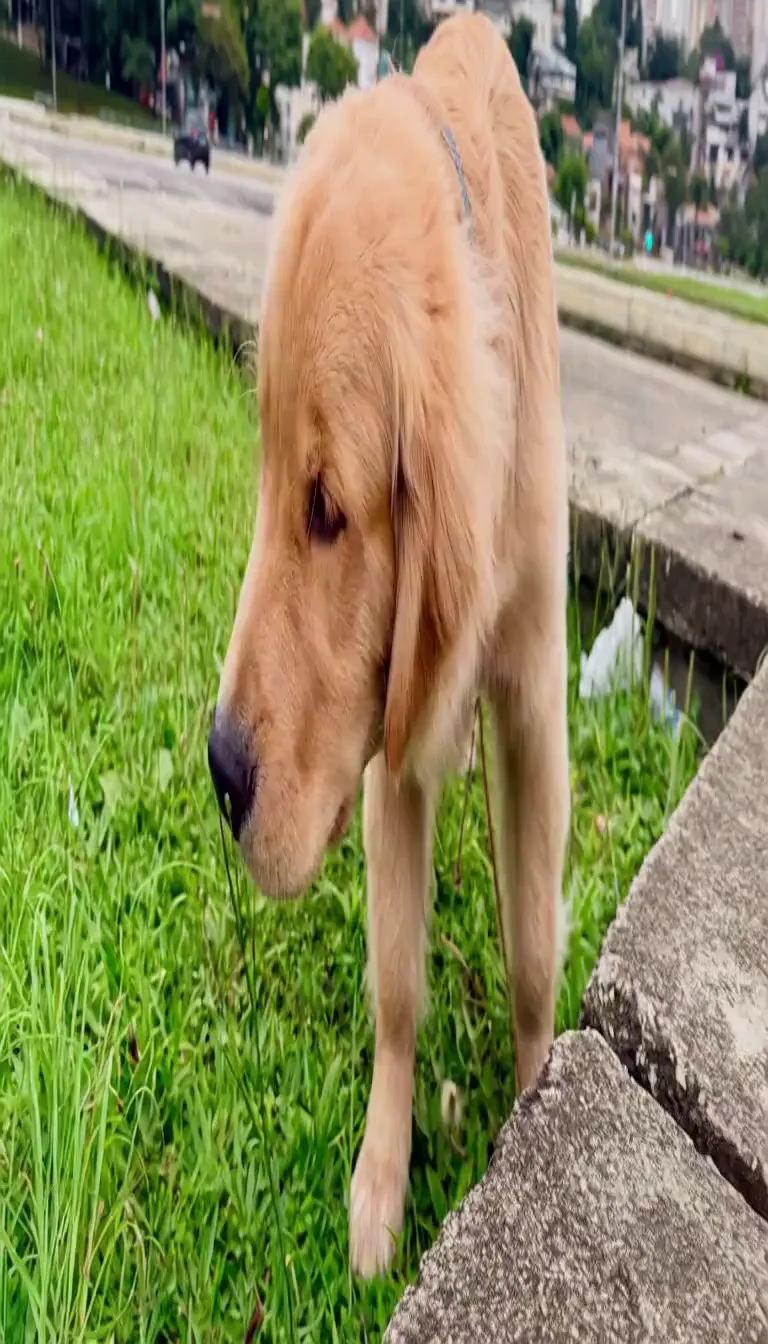
The prompt box already describes the petals, the candles and your pet walking toward the camera. Add their name on the ofrenda, a favourite toy or a sound they made.
Press the button and keep the tab open. The countdown shows when your clip starts; it then plays on the page with its sound, ready to download as an MP4.
Most people make one for themselves first, then make another for someone who loved the same pet.
Your dog runs out of the golden light and your hand reaches in to scratch behind their ears one more time. Keep it, or post it with their name in the caption.
Unlimited MiniMax H3 on every paid plan, at 768p, up to 15 seconds, with sound. A failed run costs nothing.
Free · A real clip before you pay anything
Nothing to sign, nothing to cancel.
1×
full-speed H3 a day, vs Starter
1
clips rendering at once
What's included
2×
full-speed H3 a day, vs Starter
2
clips rendering at once
Everything in Starter, plus
Checkout runs on Stripe. Your card details never reach Free Image to Video.
5×
full-speed H3 a day, vs Starter
3
clips rendering at once
Everything in Creator, plus
10×
full-speed H3 a day, vs Starter
5
clips rendering at once
Everything in Pro, plus
Cancel from Settings → Billing whenever you like; your plan keeps running until the end of the period you already paid for. Who runs Free Image to Video, the model it runs and how to reach us are on the about page.
Yes, this one. Upload a photo of your pet and start free with no sign-up and no card, then keep going free with an account, no daily cap. A free clip is 4 seconds at 480p on MiniMax H3, with sound, for personal use. That makes it the best free way to make a Coco pet memorial video.
Upload one clear photo of your pet above and press the button: the preset prompt already asks for the marigold petals, the candles and your pet walking toward the camera. There is no CapCut template to find and nothing to install.
Any pet with a clear face in the photo: dogs, cats, rabbits, birds. The clip keeps their colouring and markings because your photo is the first frame.
No. The clip is your pet in a Día de Muertos scene with its own gentle music and sound, not a scene, character or song from the film. If you want a particular song, add it in TikTok or CapCut when you post.
A free clip is 4 seconds at 480p, tall 9:16 for TikTok and Reels. On a plan, the same photo makes up to 15 seconds at 768p with its sound, long enough for the whole walk across the petals.
Each clip starts from one photo. Make one clip from each photo you love, then put them together in CapCut or your phone's editor with the song you choose for the tribute.
Because they borrow Día de Muertos, when families in Mexico set the photo of someone they lost on an ofrenda with orange marigolds, candles and the things that person loved, and many now set out one for their pets with a bowl or a toy. The marigold petals are said to light the way home, which is why the pet walks back through them in every clip.
Take the photo you keep of them and watch them come home through the marigolds, with sound. Pet memorial videos are filling TikTok this week; yours takes one photo and no account to start.
Free · 480p · with sound