
Early Black Friday: 50% off every plan

Your product photo is the first frame · Sound in every clip · No watermark

Free AI Product Video Generator: Turn One Product Photo Into a Video

Free AI product video generator for the product photo you already shot: the camera glides in, light slides across your product, and the clip comes back with its own sound.

Your product, not a lookalikeYou call the shotSound comes with it
Made from one photo

Free AI Product Video Generator Examples

Each clip below started as one still product photo and one line of direction. Upload yours in the generator above and write the move you want the same way. It is the fastest way from a product photo to a product video that sells it.

Footwear

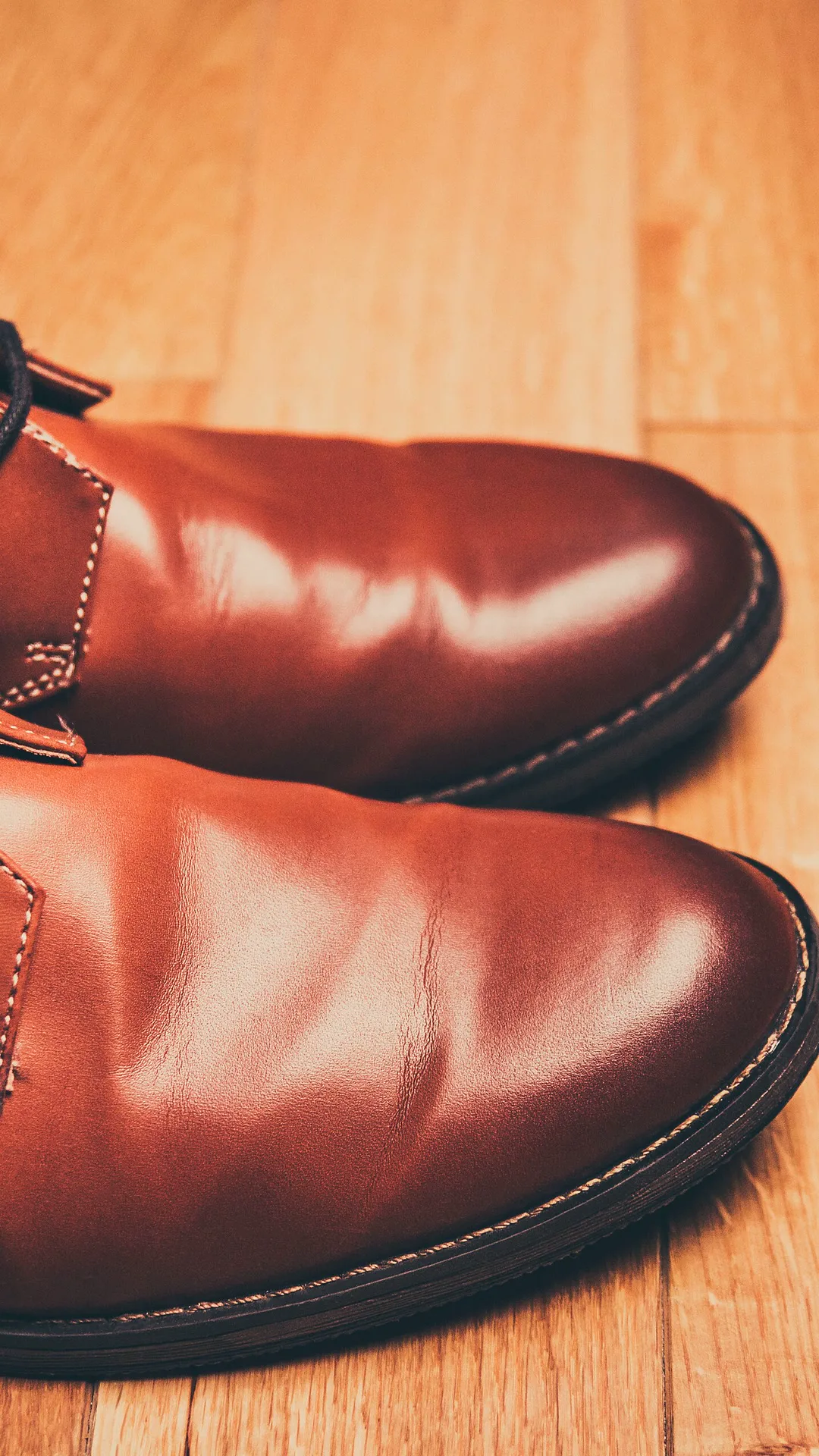
Leather shoes that catch the window light

One photo of tan leather shoes on a wooden floor. The camera pushes in slowly while a band of window light slides along the leather and over the stitching, so every highlight a shopper would look for shows up in motion.
  • Electronics

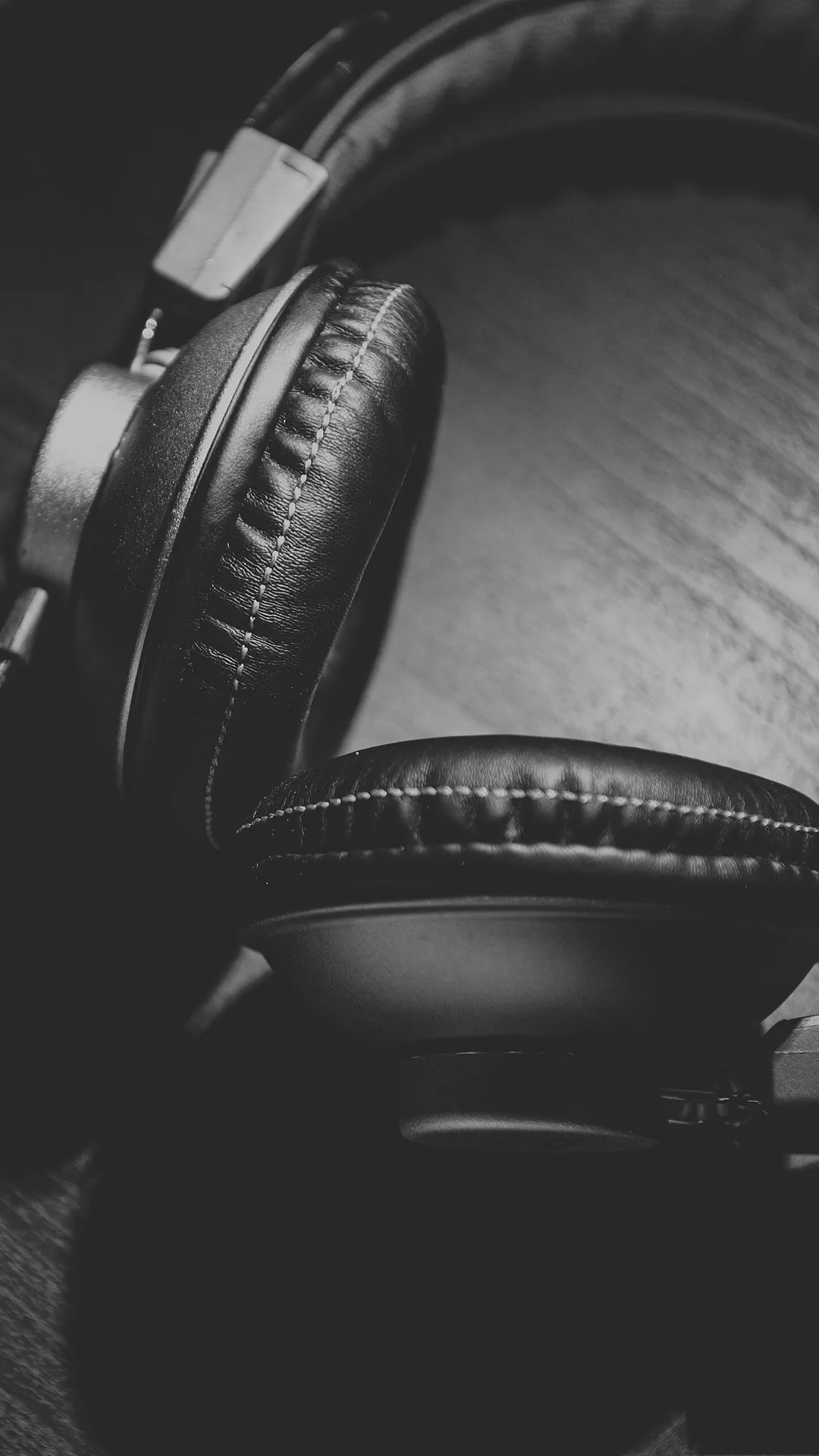
    Headphones in one moving beam of light

    A black-and-white photo of headphones on dark wood. The camera drifts across the ear cups as a beam of light travels over the leather padding, the moody studio look of a launch ad from a single still.

  • Bags

    A leather duffel that glows in the evening sun

    One outdoor photo of a brown leather duffel on the forest floor. The camera moves in while golden light drifts over the grain and the brass rivets, the warm lifestyle shot a bag listing needs.

What the Free AI Product Video Generator Makes From One Photo

The free AI product video generator turns one product photo into a short video that starts on that exact photo. Upload a JPG or PNG, write the move and the sound, and a free run gives you a 4-second clip with sound and no watermark, for personal use. It runs on the same engine as our free image to video AI: you start with no account, and a free account keeps going with no daily cap.

What it does

You get one moving shot of your product with sound, not captions, music or a voice-over script. Drop it into CapCut or your ad manager and build the ad around it.

Creative engine

One product photo in, one product video out

Every run here is MiniMax H3, the same model behind every example on this page. No product video maker gets you from a phone photo to a moving, sounding clip with less work.

1 photo
What you upload
4 s
A free clip
Up to 15 s
On a plan

It moves your product, it does not redraw it

The AI product video generator keeps the photo you gave it: label, colour and shape stay put while the camera and the light move.

Every product in your catalogue

Sign in free and run the next product photo, and the next, with no daily cap. Every clip lands in your history to download again.

Where the clip goes

Where Your Free AI Product Video Goes

Sellers use one product photo to video AI clip in three places. Pick the frame for the place before you press the button.

01 / 03

The product page, right after the main photo

A short loop of the product turning sits in the second image slot, where a shopper who clicked in wants to see it from every side. Keep the white-background photo first; marketplaces such as Google Merchant Center want a still there.

Photo, then video

Product Image to Video AI, Before and After

Left is the product photo exactly as it was uploaded. Right is the clip the AI product video generator made from it. Nothing about the product was redrawn, which is exactly what a product video has to get right.

The photo: shoes on a wooden floor
The photo
The video
Picking the photo

Which Product Photos Make the Best Free AI Product Video

The AI product video generator keeps what is in your photo, so the photo decides how clean the clip is. These four make the first run look like a studio shot.

01

A clean, sharp shot of the real product

Clasps, small stones, stitching and fine print hold up when they are sharp in the photo. A blurry phone shot gives the video nothing to keep.

02

Room around the product

Leave space on every side so the camera can turn or pull back without cutting the product off at the edge.

03

One product per photo

A single bottle, shoe or bag gives the motion one clear subject. For a bundle, shoot the set together the way it ships.

04

The frame of where it will run

Shoot upright for TikTok and Reels, wide for a store banner, square for a product grid, then pick the same frame in the generator.

Steps

How to Use the Free AI Product Video Generator

From the product photo on your phone to a clip you can post, in three steps, with no studio, no editor and no camera crew.

Upload one product photo
1

Upload one product photo

A JPG or PNG of the product: a packshot, a flat lay or a phone photo on a clean table.

2

Write the move and the sound

Say what the camera does, what the light does and what we hear, like 'slow turn on a marble counter, soft light sweeps across the label, glass clinks'.

3

Make it and download

Press the button and keep the tab open. The countdown shows when your clip starts; it then plays on the page with its sound, ready to download as an MP4.

Unlimited AI video generator pricing

Unlimited MiniMax H3 on every paid plan, at 768p, up to 15 seconds, with sound. A failed run costs nothing.

Free · A real clip before you pay anything

Nothing to sign, nothing to cancel.

Make my clip free
Unlimited H3

Starter

For people who make a few AI video clips most days.
Tax included
$14.90 / month
Unlimited MiniMax H3768p · up to 15s · sound on

1×

full-speed H3 a day, vs Starter

1

clips rendering at once

Heaviest days
Never blocked
MiniMax H3

What's included

  • Unlimited MiniMax H3 at 480p or 768p
  • Clips up to 15 seconds, sound included
  • Commercial use
Popular

Creator

For creators posting every week.
Tax included
$29 / month
Unlimited MiniMax H32× Starter's full speed

2×

full-speed H3 a day, vs Starter

2

clips rendering at once

Heaviest days
Never blocked
MiniMax H3

Everything in Starter, plus

  • 2× Starter's full-speed H3 every day
  • Two clips rendering at once

Checkout runs on Stripe. Your card details never reach Free Image to Video.

Pro

For daily posting and client work.
Tax included
$59 / month
Unlimited MiniMax H35× Starter's full speed

5×

full-speed H3 a day, vs Starter

3

clips rendering at once

Heaviest days
Never blocked
MiniMax H3

Everything in Creator, plus

  • 5× Starter's full-speed H3 every day
  • Three clips rendering at once
Best value

Studio

For teams and daily-upload channels.
Tax included
$119 / month
Unlimited MiniMax H310× Starter's full speed

10×

full-speed H3 a day, vs Starter

5

clips rendering at once

Heaviest days
Never blocked
MiniMax H3

Everything in Pro, plus

  • 10× Starter's full-speed H3 every day
  • Five clips rendering at once

Cancel from Settings → Billing whenever you like; your plan keeps running until the end of the period you already paid for. Who runs Free Image to Video, the model it runs and how to reach us are on the about page.

Answers

Free AI Product Video Generator: Questions

Yes, this one. Upload a product photo and it starts with no account and no card; a free account keeps going with no daily cap. Each free clip is 4 seconds at 480p on MiniMax H3, with sound and no watermark, for personal use. That makes it the best free AI product video generator to test your products on.

On any paid plan, yes: clips made on a plan may be used commercially, in ads, on product pages and on marketplace listings. Free clips are for personal use, so use them to see how your product moves and run the version you like on a plan.

It is built not to. Your photo is the first frame and the clip keeps its shape, colour and label, because it animates your photo instead of rebuilding the product from a description. A sharp photo keeps small details such as clasps and fine print sharp.

One product, sharp, with room around it, in the frame where the clip will run. A clean table or a plain backdrop works as well as a studio packshot.

Put it right after the main photo. A turning product sells the details a still cannot, and a short clip stays light enough to load fast. Marketplaces such as Google Merchant Center still expect a still image as the main photo.

No. It makes the product shot: one moving clip of your product with its sound. Add captions, music and your offer in CapCut or your ad manager, and test a few first moves to find the one that holds.

Yes, on our free reference to video AI: add a photo of the product and a photo of the person, and they appear together in a new scene.

A free clip is 4 seconds at 480p. On a plan, the same photo makes up to 15 seconds at 768p, with its sound.

Make an AI Product Video From the Photo You Already Have

Take the product photo from your listing and watch that exact product move, with its own sound. No account to start, and no quicker way to a product video.